DinePilot Mobile App Update: Smarter Table Management, Dish-Level Tracking and Flexible Billing
Building DinePilot has always been about solving the practical challenges that restaurant teams face during a busy service.
This is a passion project that I have been continuously improving by looking closely at how restaurants manage tables, communicate with the kitchen, generate bills and serve guests. Instead of adding features simply to make the project look bigger, my focus has been on improving the everyday workflow of restaurant owners and their teams.
I have now released a new update to the DinePilot mobile app with several improvements across table management, kitchen operations, menu promotions and restaurant billing.
The objective of this update is straightforward: help restaurant staff find important information faster, reduce operational confusion and give them more control over every order and bill.
What Is DinePilot?
DinePilot is an all-in-one restaurant management platform designed primarily for dine-in restaurants.
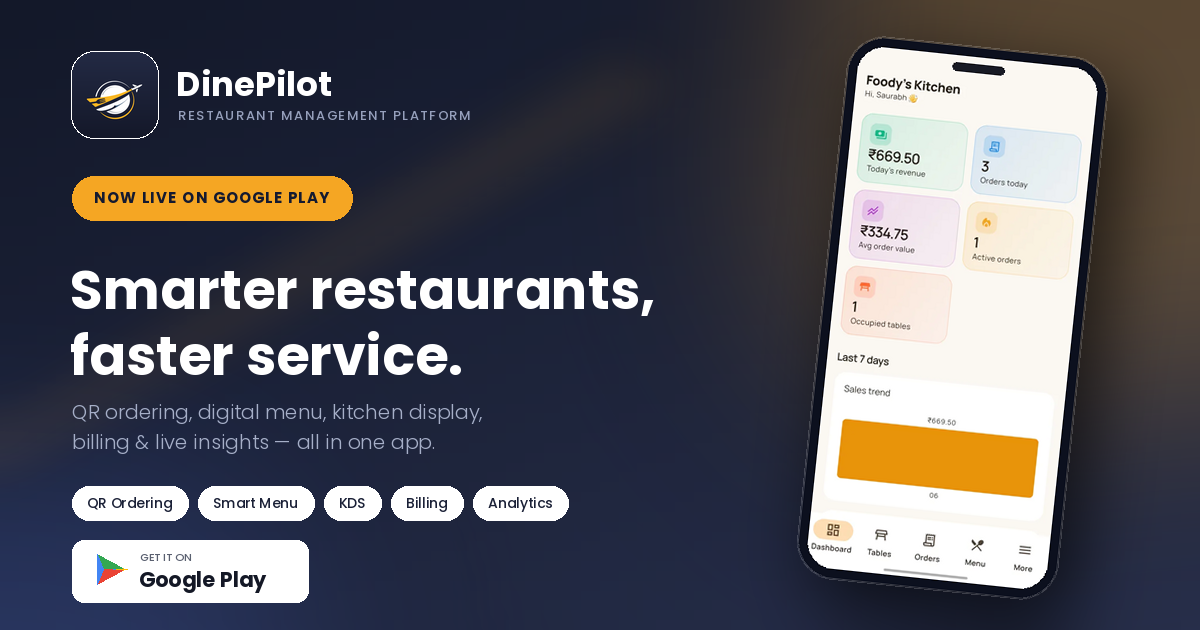
It brings together QR-based ordering, waiter order management, a real-time kitchen display system, live table tracking, GST billing, payment recording and sales analytics within one connected ecosystem.
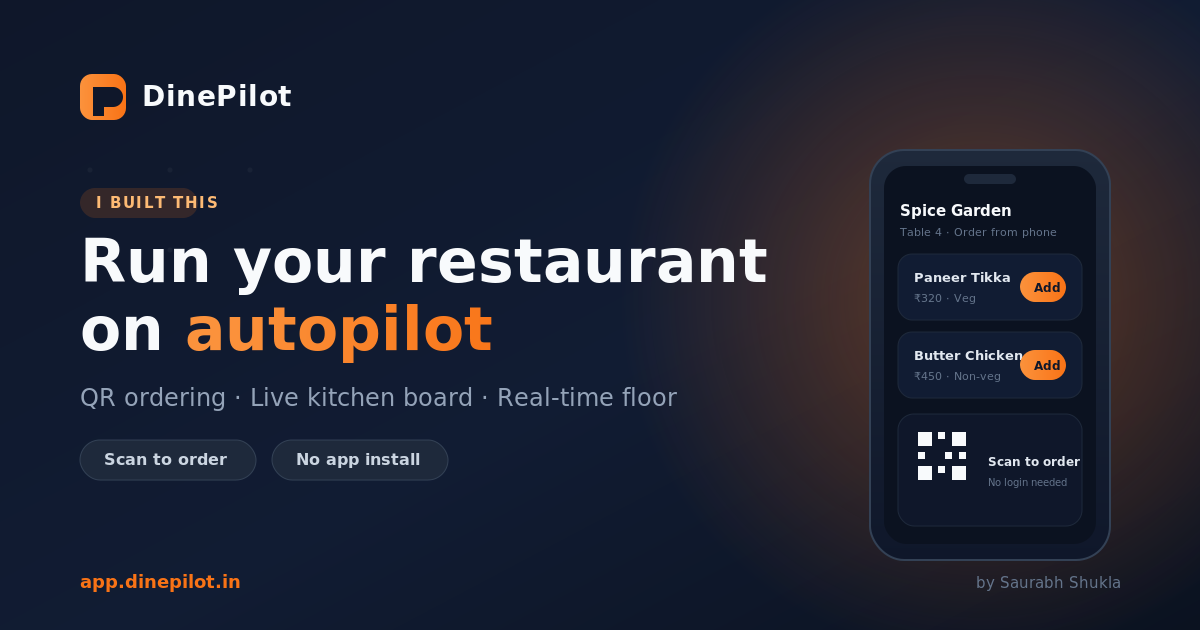
Guests can scan the QR code placed on their table and order directly through their phone browser without installing an application or creating an account. Orders placed by guests or waiters are then sent to the restaurant’s kitchen workflow, where the team can track preparation and update order statuses.
The DinePilot staff application is designed for restaurant owners, managers, waiters, kitchen teams and cashiers, with role-specific access to the information required by each team member.
What Is New in the DinePilot Mobile App?
1. Search Tables and Prioritise Tables That Need Attention
During a busy service, restaurant staff may be handling dozens of tables at the same time. Manually scanning through the entire floor list to find a particular table can slow down service, especially when multiple tables are waiting for assistance.
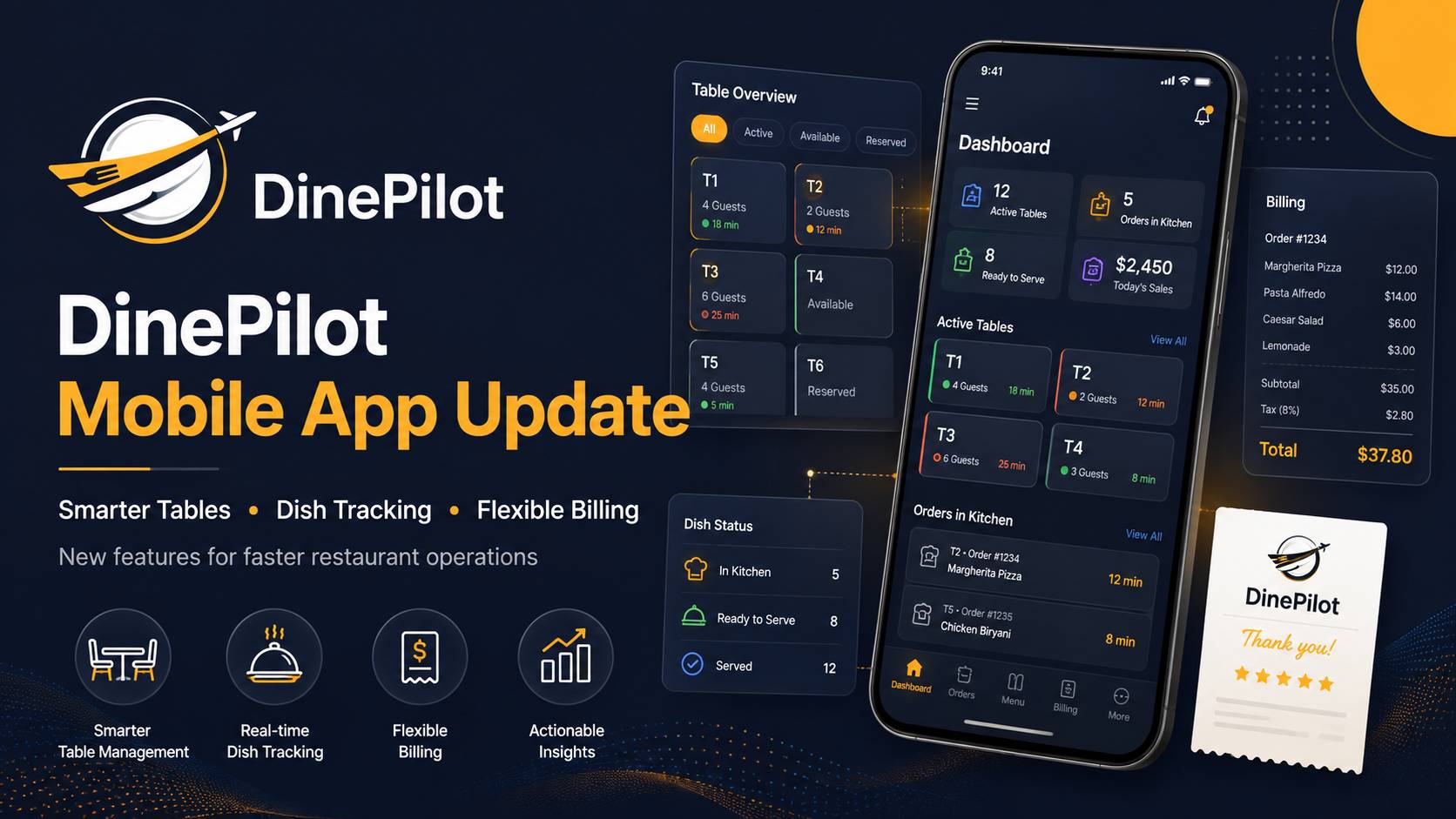
The latest update introduces table search, allowing staff members to quickly locate a table without navigating through the complete table grid.
More importantly, tables requiring attention are now automatically pinned to the top.
This helps staff immediately identify situations such as:
- A dish that is ready to be served
- A table waiting for an order update
- An active table requiring staff attention
- An operational alert associated with a table
The goal is not simply to display table information. It is to ensure that the most time-sensitive tables become visible first.
For waiters and managers, this creates a more focused workflow and reduces the possibility of important alerts being overlooked during peak hours.
2. Track the Status of Every Dish Individually
Restaurant orders do not always become ready at the same time.
A table may order several dishes, but each item can have a different preparation time. Previously, treating the complete order as a single unit could make it difficult for the service team to understand which dishes were ready and which were still being prepared.
With this update, DinePilot now supports dish-level status tracking.
Kitchen staff can update individual items as they move through preparation. Waiters can clearly see:
- Which dishes are still pending
- Which dishes are currently being prepared
- Which dishes are ready for service
- Whether the complete order is ready
This creates better coordination between the kitchen and staff.
Instead of repeatedly asking the kitchen whether an order is ready, waiters can check the live status directly from the application. Kitchen staff also gain a more structured view of what has already been completed and what still requires attention.
This feature is particularly valuable for larger orders, multi-course meals and situations where dishes are prepared at different kitchen stations.
3. Today’s Specials and Combo Meals Can Now Be Ordered from the App
Restaurants regularly introduce limited-time dishes, chef specials, seasonal items and value-based combo meals.
However, these offerings are often communicated through printed inserts, verbal recommendations or temporary menu boards. That can create inconsistencies, especially when staff members are not equally informed about the latest promotions.
The updated DinePilot app now makes today’s specials and combo meals directly orderable.
Restaurants can use this functionality to highlight:
- Chef’s special dishes
- Limited-time menu items
- Seasonal food offerings
- Lunch and dinner combos
- Festival-specific menus
- Promotional meal packages
- Value-based food combinations
By making these items available within the digital ordering workflow, restaurants can promote them more consistently and make them easier for staff and customers to order.
This also creates opportunities to improve average order value by presenting relevant combinations rather than expecting staff to explain every offer manually.
4. Add a Service Charge Alongside Taxes
Restaurant billing can involve more than the price of ordered items and GST.
Depending on the restaurant’s billing policy, a service charge may also need to be added to the final bill. The latest DinePilot update introduces the ability to configure and apply a service charge alongside applicable taxes.
This provides restaurants with greater billing flexibility while keeping the calculation transparent.
The generated bill can now clearly represent:
- Item subtotal
- Applicable taxes
- Service charge
- Final payable amount
Keeping these values separately visible helps restaurant staff explain the bill more clearly and maintains a structured record of how the final amount was calculated.
Restaurants should configure service charges according to their own policies and the regulations applicable to their operations.
5. Reopen and Edit a Generated Bill Before Payment
Billing mistakes occasionally happen in real restaurant operations.
An item may have been added incorrectly, a quantity may need correction, or a guest may request an adjustment after the bill has already been generated. Requiring staff to cancel the entire transaction and create everything again adds unnecessary friction.
DinePilot now allows staff to reopen and edit a generated bill before payment has been completed.
For example, the cashier can reopen a bill when:
- An incorrect item was included
- The item quantity needs adjustment
- A late order must be added
- A valid billing correction is required
- The customer identifies an issue before making payment
Once the changes are complete, the bill can be regenerated with the corrected information.
This provides the cashier with more operational flexibility while ensuring that the final payment is recorded against the correct bill.
The feature is intentionally limited to the pre-payment workflow. Once payment has been completed, the financial record should remain consistent and traceable.
6. Faster Demo Login
Trying a product should not feel like a project in itself.
I have improved the demo login experience so restaurant owners and potential users can explore DinePilot more quickly. This reduces unnecessary steps and makes it easier to understand the platform’s workflow without spending too much time on initial setup.
A faster demo experience helps users evaluate key modules such as:
- Table management
- Waiter ordering
- Kitchen operations
- Billing
- Menu management
- Restaurant analytics
The intention is to let users reach the actual product experience as quickly as possible.
7. Clearer Table Alerts
Operational alerts are useful only when staff can understand and act on them quickly.
The table alert experience has now been improved to make important information easier to notice. Clearer alerts allow staff to understand which table requires attention and why.
This is especially important when several orders and tables are active simultaneously.
By improving the visibility and clarity of these alerts, the application can reduce response time and help restaurant teams prioritise their next action more effectively.
8. Bug Fixes and Performance Improvements
Alongside the visible functionality, this release also includes multiple bug fixes and performance improvements.
These updates focus on making the application:
- Faster during regular use
- More stable across restaurant workflows
- More responsive when navigating between modules
- More reliable during active service hours
- Smoother when handling tables, orders and bills
Performance improvements may not always be the most noticeable part of an update, but they are essential for a restaurant application.
Restaurant software must remain dependable during the busiest part of the day, when staff members do not have time to deal with delays or inconsistent behaviour.
How These Updates Improve Restaurant Operations
Although each feature addresses a specific workflow, together they create a more connected restaurant operation.
Improved Kitchen Coordination
Dish-level tracking gives the kitchen and service teams a shared understanding of preparation progress. This reduces repeated communication and helps prevent ready dishes from being left waiting.
More Effective Menu Promotion
Today’s specials and combo meals can be promoted and ordered through the same platform used for regular menu items.
Greater Billing Flexibility
Configurable service charges and pre-payment bill editing help cashiers manage real billing scenarios without restarting the entire billing process.
Why I Continue Building DinePilot
DinePilot started as a passion project, but the problems it addresses are very real.
Restaurant operations involve multiple teams working under continuous time pressure. A guest places an order, the kitchen prepares it, the waiter serves it, the cashier creates the bill and the owner needs visibility into the complete process.
When these stages depend on paper tickets, verbal communication and disconnected systems, even a small mistake can affect the guest experience.
My goal with DinePilot is to build a practical restaurant management system where information moves automatically between these teams.
An order should not need to be written or entered multiple times.
The kitchen should not need to shout when a dish is ready.
A waiter should not need to walk across the restaurant to find out what is happening with an order.
A cashier should not need to recreate an entire transaction because of a small correction.
Every update is another step toward making that workflow simpler, faster and more transparent.
A Connected Restaurant Management Experience
DinePilot is being developed as more than a standalone billing application.
The platform combines several important restaurant workflows, including:
- QR code menu ordering
- Waiter-assisted order placement
- Real-time order tracking
- Kitchen display and KOT management
- Dish-level preparation tracking
- Live table management
- GST billing and receipt generation
- Cash, card and UPI payment recording
- Menu and category management
- Restaurant sales analytics
- Staff access based on roles
Because these modules operate within one platform, changes made at one stage of the order lifecycle can be reflected throughout the system.
That connected approach is essential for reducing duplicate work and improving operational visibility.
Built for Real Restaurant Workflows
The latest DinePilot mobile app update is focused on practical improvements rather than unnecessary complexity.
Searching for a table should take seconds.
The kitchen should be able to update each dish individually.
Specials and combos should be easy to promote and order.
Service charges should be represented clearly.
A bill should be editable when a valid correction is needed before payment.
Alerts should help the team take action, not create more confusion.
These improvements may appear small individually, but together they can significantly improve how restaurant teams manage a busy service.
I will continue refining DinePilot based on real operational requirements and the feedback received from restaurant owners and staff.
If you operate a café, casual dining restaurant, family restaurant, fine-dining establishment or another dine-in business, you can explore DinePilot and see how its connected ordering, kitchen, table and billing workflows can support your operations.
Visit DinePilot to learn more and explore the platform.
Final Thoughts
Building DinePilot continues to be an exciting learning and project-development journey for me.
Every release gives me an opportunity to study restaurant workflows more closely, solve practical challenges and improve the application based on how it would actually be used during day-to-day service.
This latest mobile app update strengthens some of the most important areas of restaurant operations: finding tables, prioritising attention, tracking individual dishes, promoting menu offers and correcting bills before payment.
There is still more to build, test and improve—but DinePilot is becoming more capable and operationally focused with every update.