Anyone who has eaten out in India knows the small frictions of dine-in service. You wait to catch a waiter's eye. The order gets scribbled on paper, walked to the kitchen, and occasionally lost. The chef is shouting across the pass. At the end, the bill takes another ten minutes because someone has to add it all up by hand.
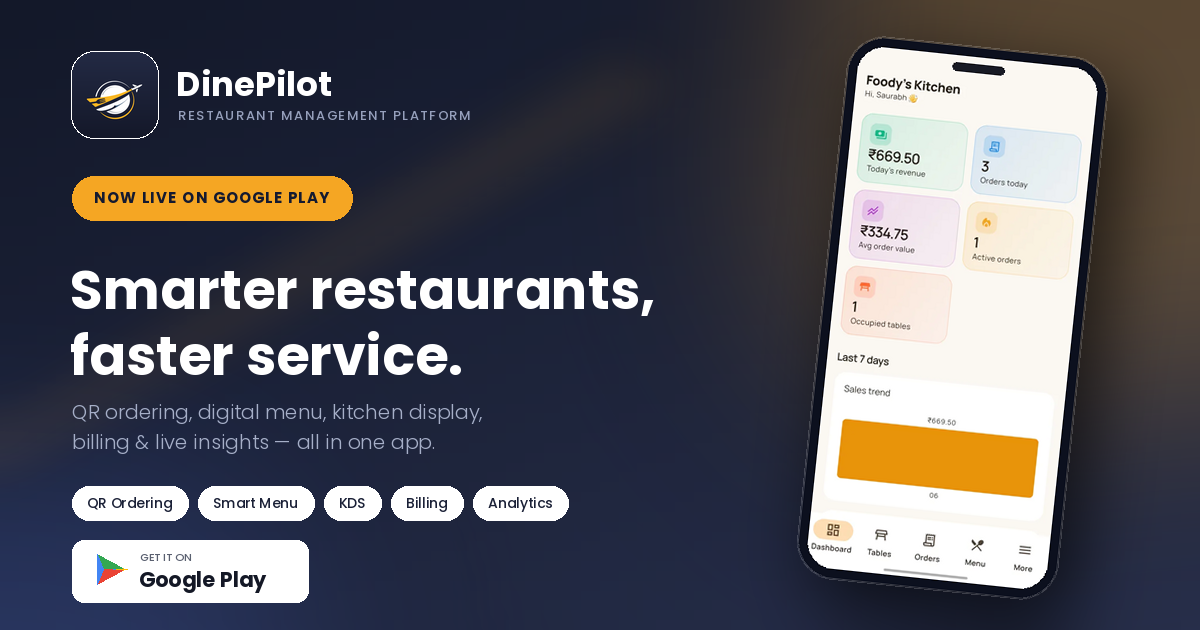
I'm a senior full-stack developer, and like most developers, I solve annoyances by building things. So I built DinePilot — an all-in-one restaurant platform that puts the menu on the customer's phone, the orders on a live kitchen board, and the numbers in front of the owner in real time. Customers order by scanning a QR code. The team stays in sync without a single paper ticket.
This post covers what DinePilot does, why the real-time layer matters more than it looks, and a peek at the engineering underneath.
The Problem With Dine-In Ordering
Most restaurants run their floor on a mix of memory, paper, and shouting, and each one breaks down at the busy moment when it matters most:
- Paper tickets — They get smudged, misplaced, or left in an apron pocket. When the floor is full, a lost ticket is a lost table.
- Manual order-taking — A waiter walks to the table, writes it down, walks to the kitchen, walks back. Multiply that by every table and you've spent the shift walking instead of serving.
- End-of-day guesswork — Owners find out what sold, when the rush hit, and how much came in only after the shift, by adding up receipts. By then it's too late to act on any of it.
What a modern dine-in restaurant actually needs is simple: let the customer order without waiting, get that order to the kitchen instantly, and keep every role — waiter, chef, cashier, owner — looking at the same live picture. That's the entire brief I built DinePilot around.
What DinePilot Does
DinePilot is a restaurant platform with no app install for customers and a setup that takes minutes. The core loop runs from the first scan to the final bill:
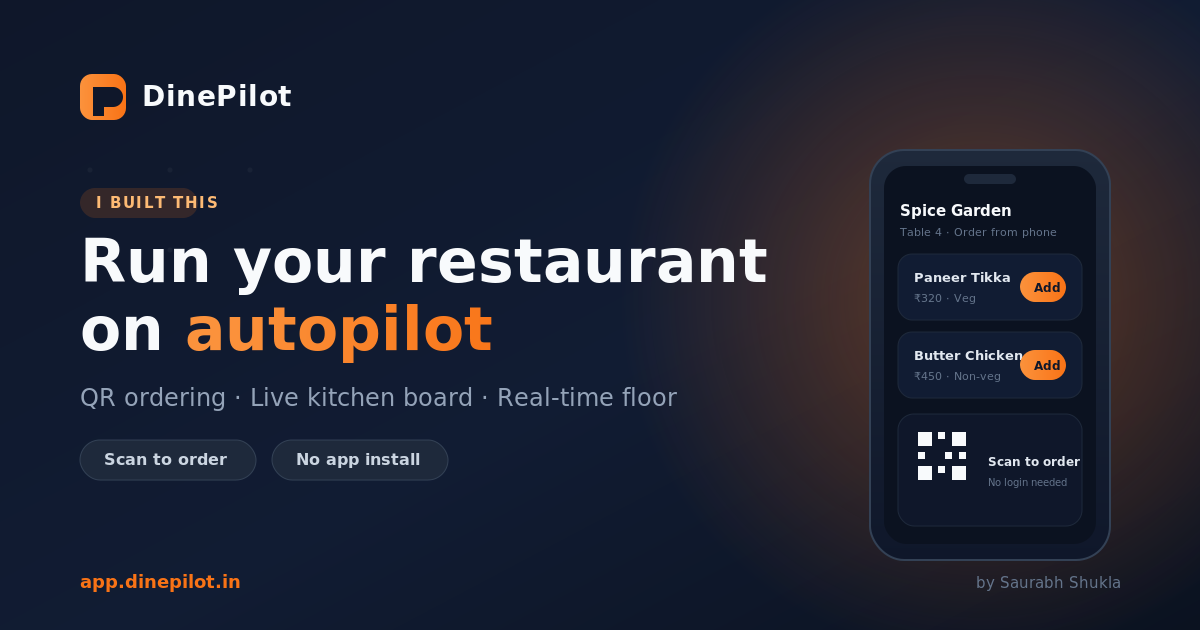
- Scan the QR — Every table has a unique QR code. The customer scans it and browses your full menu in their phone's browser — no download, no login.
- Place the order — Items go straight to the kitchen board. The table flips to occupied and staff see the order the instant it lands.
- Kitchen prepares — Chefs accept tickets, mark items preparing, then ready. Waiters are notified automatically when food is up.
- Serve and pay — The waiter delivers, the cashier generates an itemized bill, records the payment, and the table frees up for the next guest.
The whole flow is designed so nobody has to wait on anybody else to know what's happening.
Everything Runs on One Live Picture
The features only matter because they share the same real-time state. Here's what each part does:
| Module | What it does | Who it's for |
|---|---|---|
| QR table ordering | Scan-to-order in the browser, live status updates | Customers |
| Live kitchen board | New tickets appear instantly with sound alerts | Kitchen |
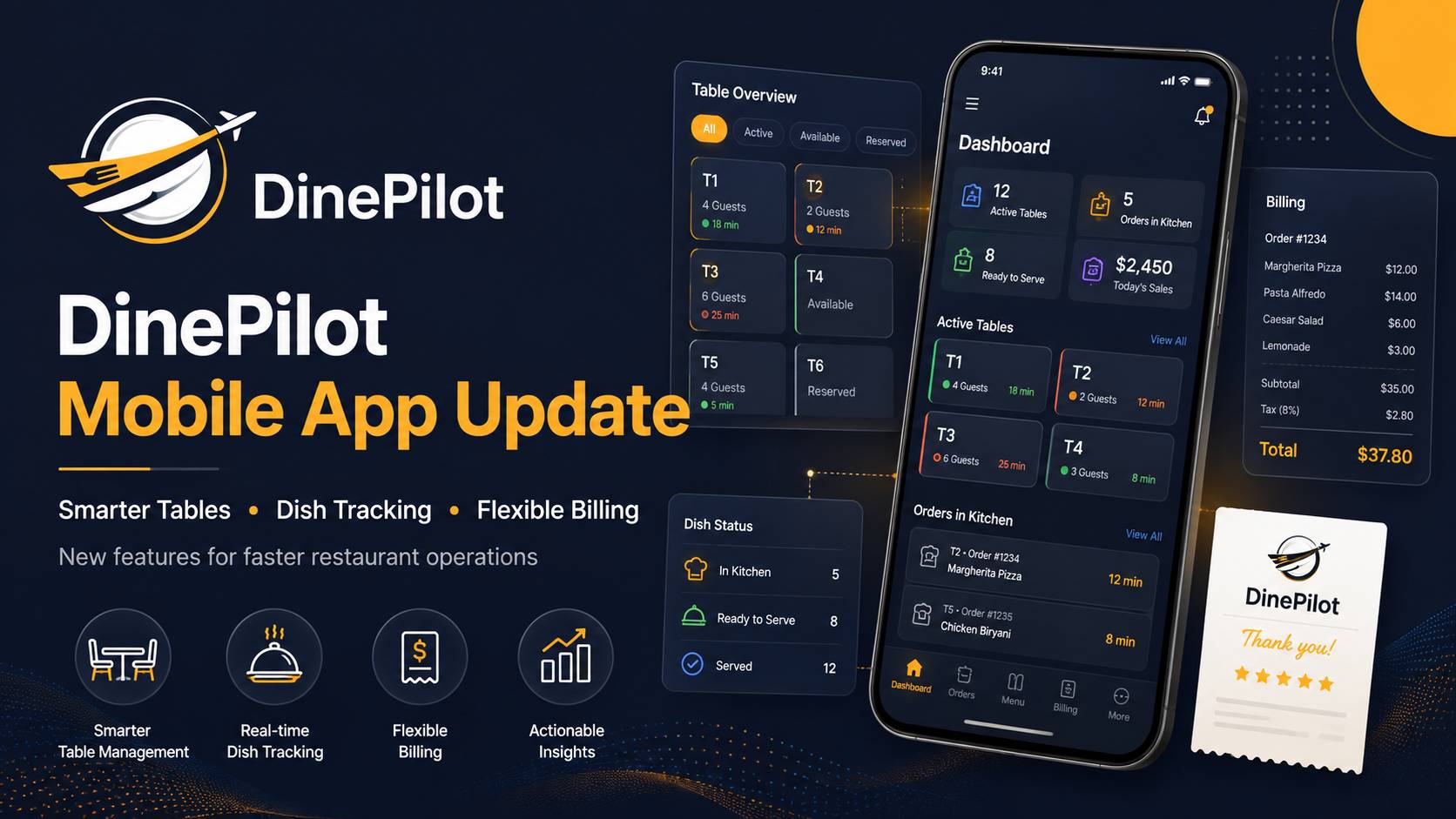
| Table management | Color-coded grid, automatic occupied/available transitions | Waiters, managers |
| Waiter ordering | Staff take or add to orders on a guest's behalf | Waiters |
| Billing & payments | Unpaid orders grouped by table, itemized bills with tax | Cashiers |
| Real-time analytics | Revenue, top items, peak hours, payment mix — live | Owners, managers |
Each team member sees only what they need. The kitchen never sees the billing screen; the customer never sees anything but the menu and their order status.
The Part I'm Most Proud Of: The Real-Time Kitchen Board
Here's the scenario every busy kitchen knows: three tables order within the same minute, and the paper tickets pile up out of sequence with no idea which came first or how long each has been waiting.
On DinePilot, the moment a customer taps place order, the ticket appears on the live kitchen board over WebSockets — with a sound and visual alert so nothing gets missed. Chefs progress each item from accepted to preparing to ready, and the instant something is marked ready, the waiter who owns that table is notified. No shouting across the pass, no walking to check, no ticket buried under three others.
That sub-second sync is the whole product. Order-taking gets roughly 40% faster not because the menu is prettier, but because nobody is waiting on a physical object to move across the room.
Why the Table Grid Manages Itself
This is the detail that's invisible when it works. In most setups, someone has to remember to mark a table occupied and then free it again — and on a full floor, they forget.
DinePilot ties table state directly to order state. Place an order and the table turns occupied automatically. Record the payment and it flips back to available — ready for the next guest, no manual step. The floor grid is color-coded, so a manager can glance at one screen and read the whole room: who's seated, who's mid-meal, who's ready to turn over.
If you're building anything operational: derive state from events, don't ask humans to maintain it in parallel. The grid is never wrong because nobody has to remember to update it.
Analytics That Update as You Serve
Beyond running the floor, DinePilot keeps the owner informed without any end-of-day spreadsheet work:
- Today's revenue — updates as each payment is recorded, not at closing time.
- Top-selling items — see what's moving while the shift is still on, so you can push or 86 accordingly.
- Peak hours — know exactly when the rush lands so you can staff for it.
- Payment method breakdown — cash, card, and UPI split out automatically.
Every one of these moves as orders flow through the system, so the picture is always current instead of always a day old.
Built for Every Role
DinePilot is role-aware from the ground up. Each person signs in and sees exactly their slice of the operation:
- Owner — full admin: staff, restaurant settings, menu, tables, orders, and analytics.
- Manager — everything except user management.
- Waiter — the live table grid, order-taking, and marking dishes served.
- Kitchen — the live ticket board with instant alerts, item by item.
- Cashier — unpaid orders by table, itemized bills, and payment recording.
- Customer — scan, browse, order, and track status, with no account or app.
The Tech Stack (For Fellow Developers)
For anyone curious about what's underneath:
- Real-time layer: WebSockets push order and table state to every connected screen instantly — the kitchen board, table grid, and analytics all subscribe to the same live events.
- Customer ordering: a browser-based flow with no install and no login, so the barrier to the first order is a single scan.
- Role-based access: each role is scoped to its own views and permissions, from full admin down to a read-only customer.
- Billing: itemized bills with tax, grouped by table, with cash / card / UPI recorded per order.
Shipping it end-to-end — the QR generation, the sound alerts that fire reliably, the automatic table transitions, the per-role permission matrix — was another reminder that the last 10% of a product is 90% of the work. Every "small" feature like a ticket that never gets lost hides a surprising amount of edge-case handling.
Frequently Asked Questions
Do customers need to install an app?
No. Customers scan a table QR and order from any smartphone browser — no download, no login. Just browse, cart, and checkout.
How does the kitchen get orders?
Orders appear instantly on the live kitchen board via WebSockets, with sound and visual alerts so nothing gets missed.
Can waiters still take orders manually?
Yes. Waiters can create or add to orders for any table from the staff app — perfect for guests who prefer ordering through a server.
Does DinePilot handle online payments?
In the current version, cashiers record payments manually as cash, card, or UPI. Payment gateway integration is on the roadmap.
How long does setup take?
Most restaurants are live in under 10 minutes: create an account, add menu items, set up tables, and print the QR codes.
Is DinePilot free?
All features are free during early access. Subscription plans will come later — book a demo to get started today.
Try It
DinePilot is live now at app.dinepilot.in. Book a free demo and I'll walk you through QR ordering, the kitchen board, and getting your first tables live — usually in under 10 minutes.
If you're a developer and want to talk about the real-time architecture, WebSockets at the floor level, or the joys of building an operational SaaS, my inbox is open. This one was built to take the chaos out of a busy dining room — and to prove that no order should ever be lost to a smudged paper ticket again.
Built with ❤️ in India. QR ordering, live kitchen, real-time floor — one platform.